Overview#
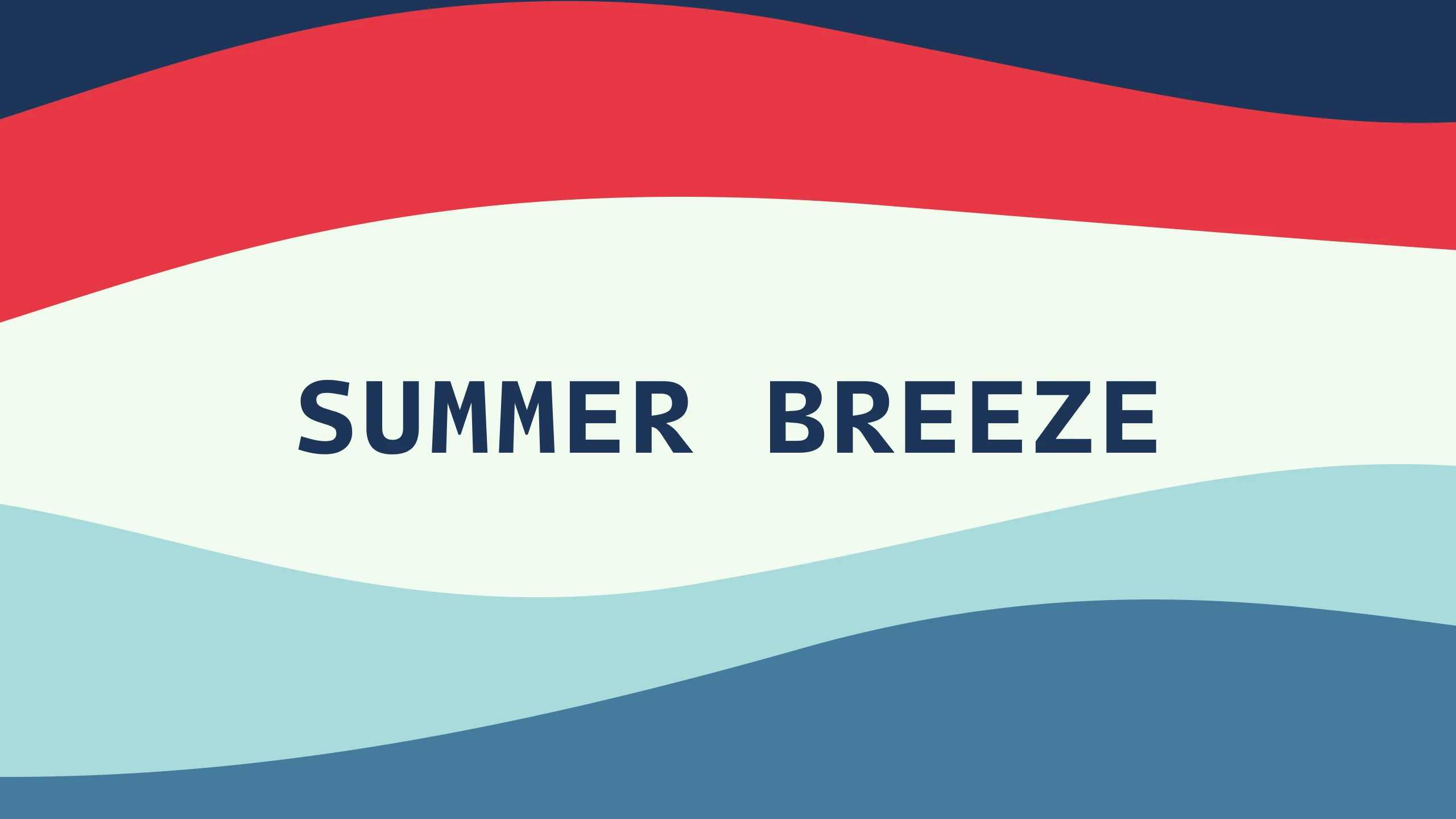
Summer Breeze is a refreshing, coastal Material 3 color scheme (.hscheme) for HyperBridge Studio widgets and island themes. It combines luminous Frosted Blue (#A8DADC) and Cerulean (#457B9D) tones with vibrant Punch Red (#E63946) accents and crisp Honeydew (#F1FAEE) text over a deep Oxford Navy (#1D3557) surface.
Core Palette#
- Punch Red (
#E63946): High-energy coral red for secondary action buttons, live badges, and status alerts. - Honeydew (
#F1FAEE): Soft, high-contrast off-white with a hint of mint for primary titles and readable typography. - Frosted Blue (
#A8DADC): Airy sea-glass cyan for primary progress bars, active highlights, and secondary metadata. - Cerulean (
#457B9D): Balanced mid-tone ocean blue for primary containers, borders, and tertiary accents. - Oxford Navy (
#1D3557): Deep maritime navy base surface paired with stepped tonal containers (#162944,#243E63,#101E33).
How to Import in HyperBridge#
- Tap Download (
.hscheme) to savesummer_breeze.hschemeto your device. - Open HyperBridge → Studio → Global → Color Scheme and tap Import Palette, or open the downloaded
.hschemefile directly with HyperBridge.