Overview#
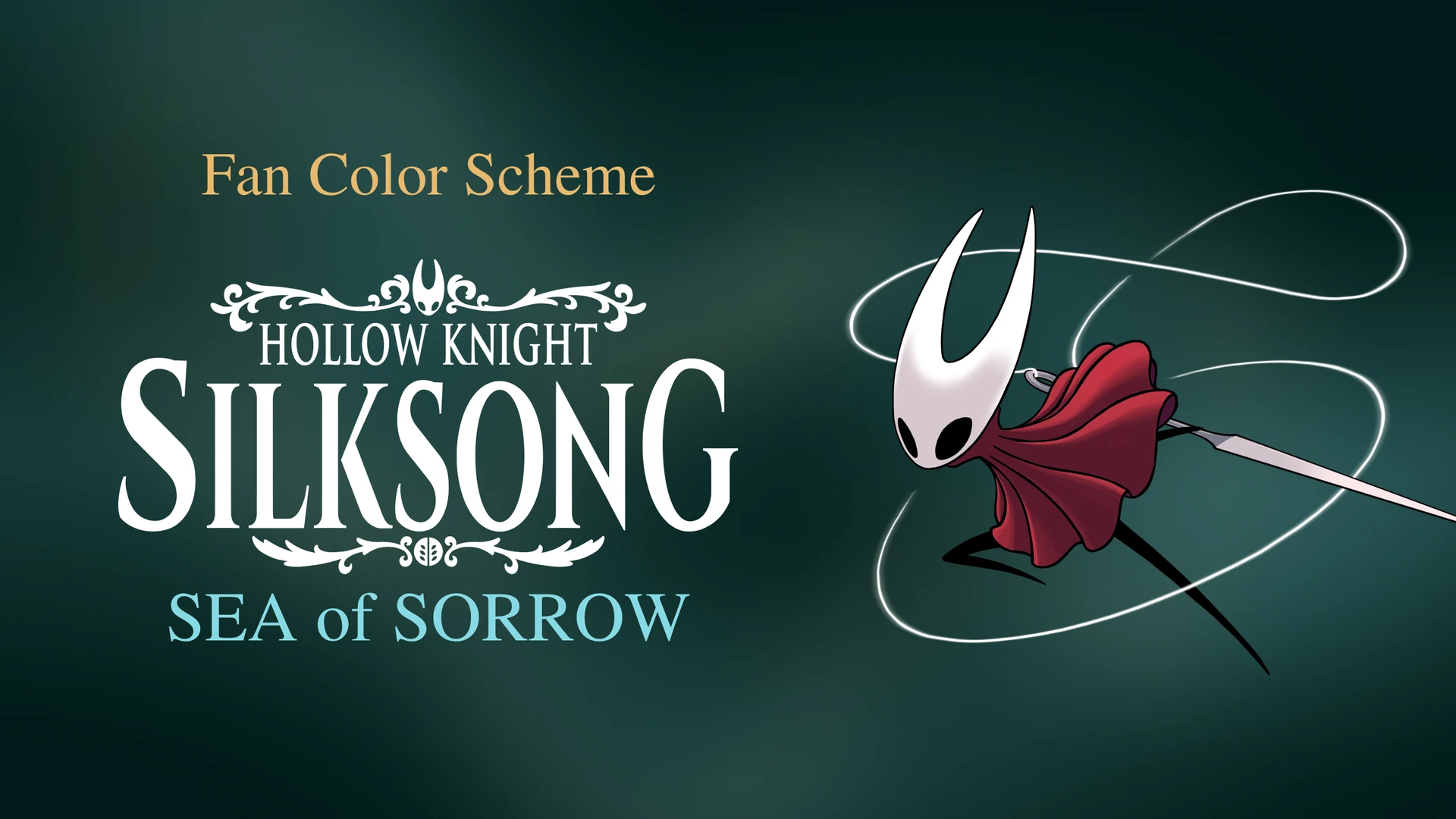
Silksong: Sea of Sorrow is a dark Material 3 color scheme (.hscheme) crafted for HyperBridge Studio widgets and island themes, inspired by the atmospheric palette of Hollow Knight: Silksong – Sea of Sorrow.
Core Extracted Palette#
- Primary (
#87DAE4): Bioluminescent sea cyan used for active progress bars, primary buttons, and glowing island accents. - Secondary (
#E8B96E): Gilded needle and lantern brass for secondary actions, metadata badges, and subtle highlights. - Tertiary (
#FB4E47): Hornet’s signature crimson cloak for live status indicators, alerts, and high-contrast tags. - Surface (
#001B17): Deep abyssal sea-trench teal base paired with stepped tonal containers (#04241F,#0D332D,#001310) for rich depth without harsh pure black.
How to Import in HyperBridge#
- Tap Download (
.hscheme) to savesilksong_sea_of_sorrow.hschemeto your device. - Open HyperBridge → Studio → Global → Color Scheme and tap Import Palette, or open the downloaded
.hschemefile directly with HyperBridge.