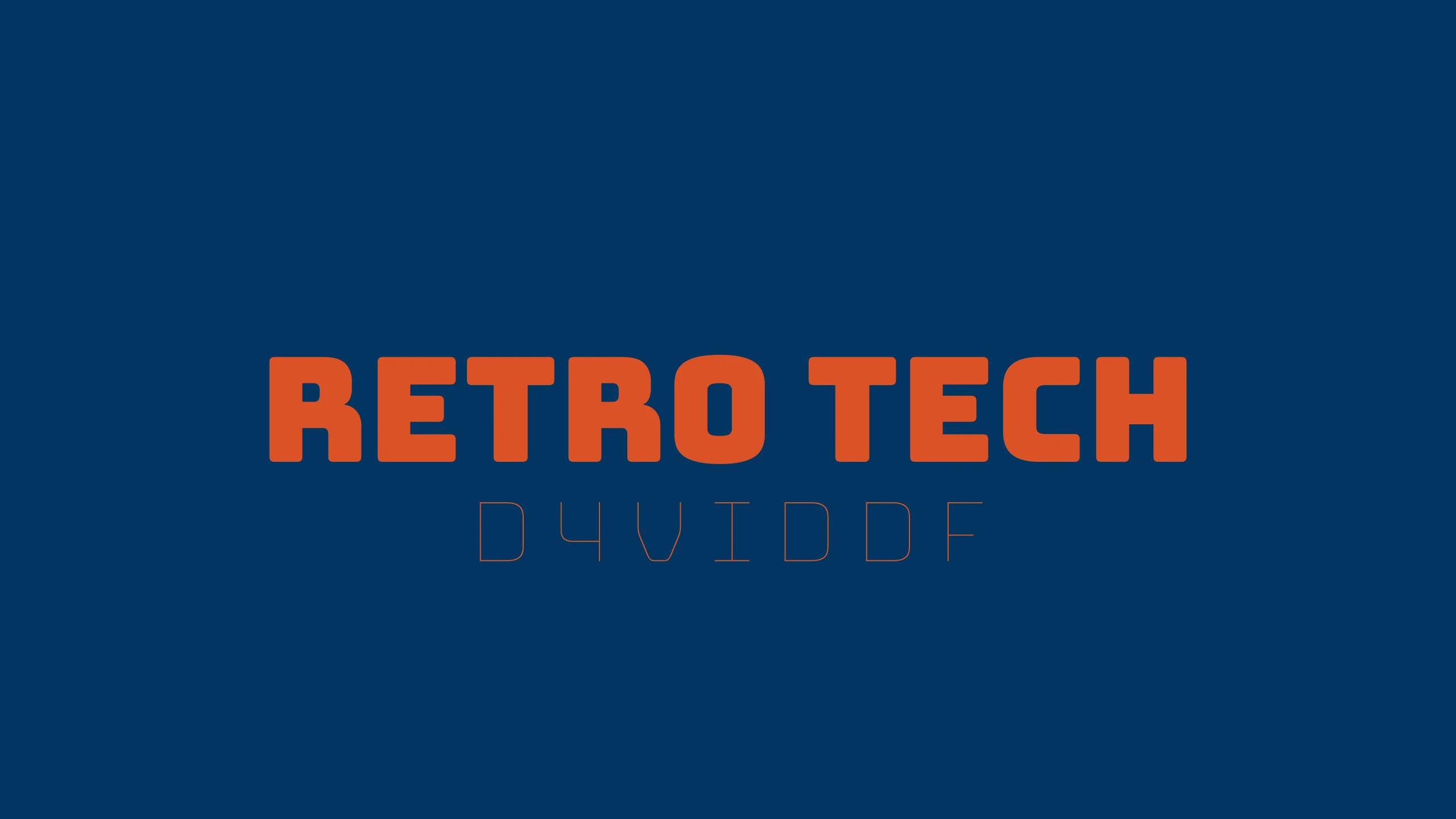
Overview#
Retro Tech is a tactile, hardware-inspired dark Material 3 color scheme (.hscheme) for HyperBridge Studio widgets and island themes. It pairs bold industrial signal orange accents with brushed anodized slate, vintage charcoal surfaces, and deep blueprint navy highlights over matte obsidian.
Core Extracted Palette#
- Primary (
#DB5227): Industrial burnt signal orange for active progress bars, primary buttons, and tactile highlights. - Secondary (
#76828E): Brushed steel slate for secondary controls, metadata tags, and hardware outlines. - Surface Variant (
#3F3A42): Vintage charcoal chassis tone for secondary cards, pill backgrounds, and subtle borders. - Tertiary Container (
#023661): Deep blueprint navy container paired with bright cyan (#4CA3E6) typography for high-contrast status indicators. - Surface (
#0A0C12): Matte obsidian base surface with stepped tonal containers (#141720,#232631,#06080C).
How to Import in HyperBridge#
- Tap Download (
.hscheme) to saveretro_tech.hschemeto your device. - Open HyperBridge → Studio → Global → Color Scheme and tap Import Palette, or open the downloaded
.hschemefile directly with HyperBridge.